MERN stack architecture
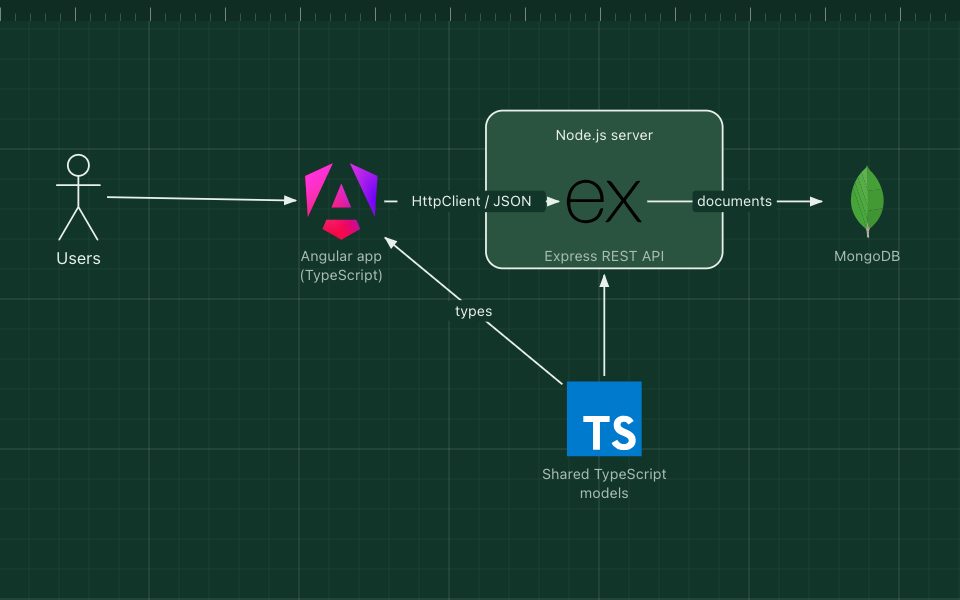
JavaScript end to end: React in the browser, Express on Node.js, documents in MongoDB.
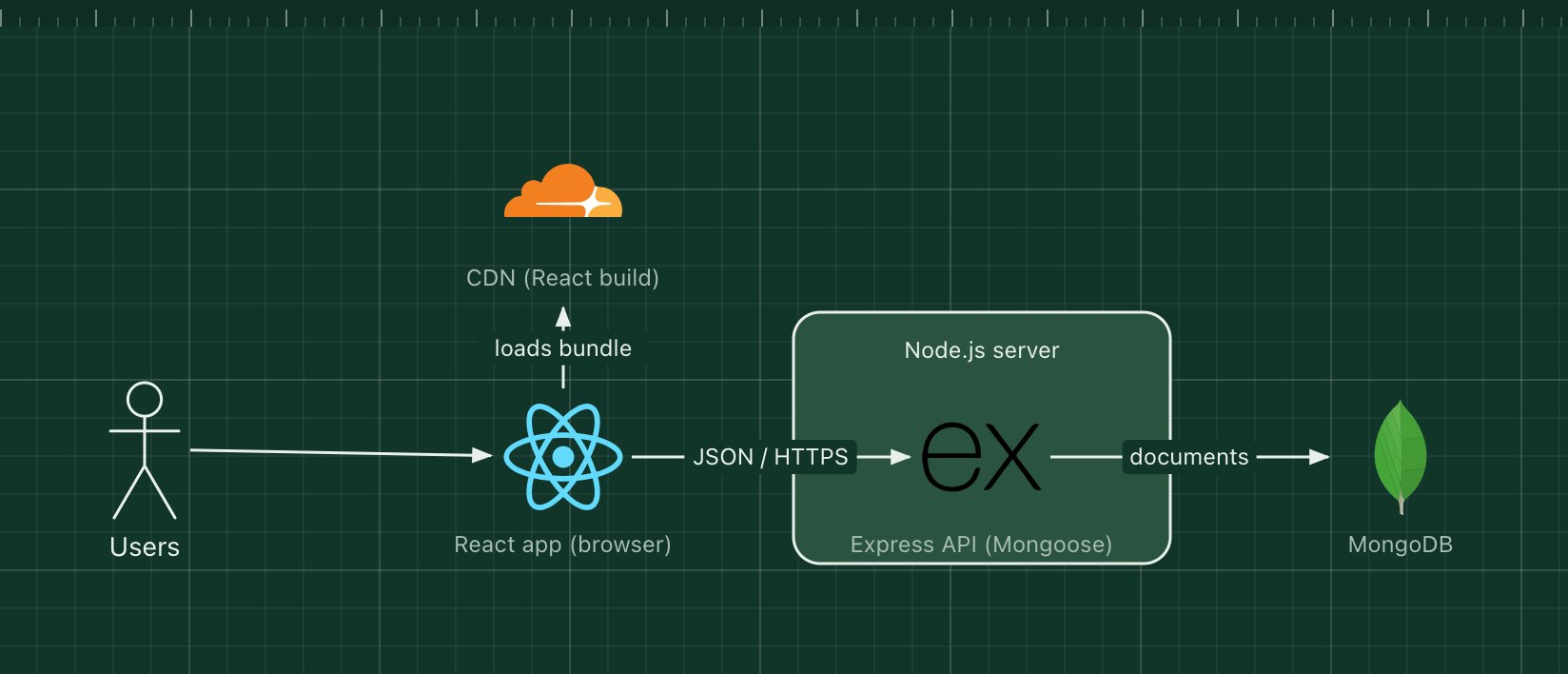
MERN is a web stack built from four JavaScript technologies: MongoDB for the database, Express for the HTTP API, React for the user interface and Node.js to run the server. One language runs from the browser to the database queries, and data travels as JSON the whole way.
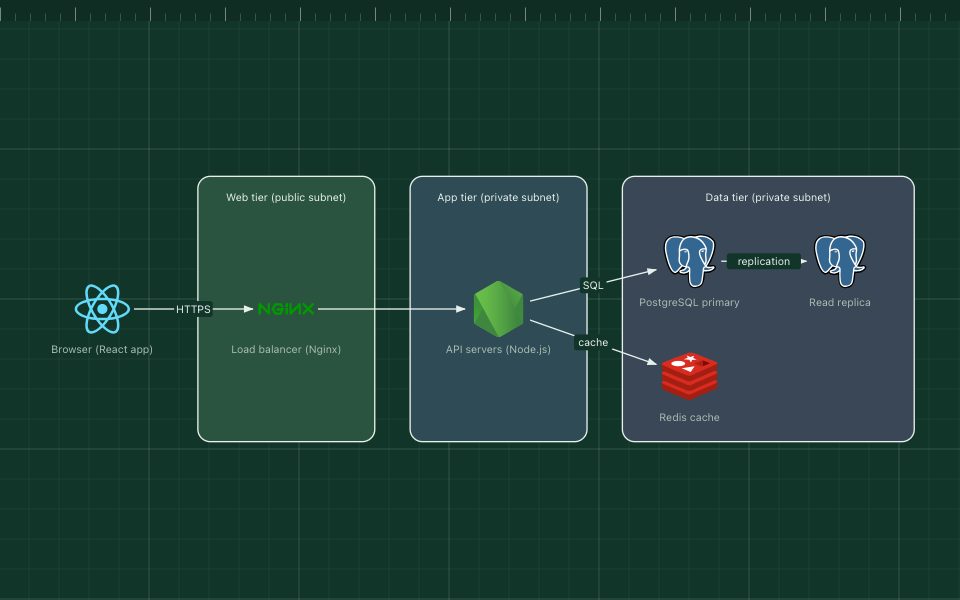
A typical MERN app is a React single-page app served as static files from a CDN, calling a REST or GraphQL API written in Express, which reads and writes MongoDB documents, usually through the Mongoose library.
What the stack is made of
- React
- Builds the UI in the browser from components. Often created with Vite, with React Router for pages.
- Express
- A minimal HTTP framework for Node.js that defines the API routes and middleware.
- Node.js
- Runs the Express server: one event loop, good at many concurrent I/O requests.
- MongoDB
- A document database. Records are JSON-like documents, so the API can store objects without mapping them to tables.
- CDN
- Serves the built React bundle close to users.
How a request flows through it
- The browser downloads the React bundle from the CDN.
- React renders the page and calls the Express API with fetch, sending JSON.
- Express runs middleware (authentication, validation), then a route handler.
- The handler queries MongoDB through Mongoose and returns JSON for React to render.
When to use it, and when not to
Good fit
- A team that wants one language, JavaScript or TypeScript, across the whole app.
- Data that is naturally document-shaped and changes shape often.
- Interactive single-page apps, dashboards and prototypes.
Think twice
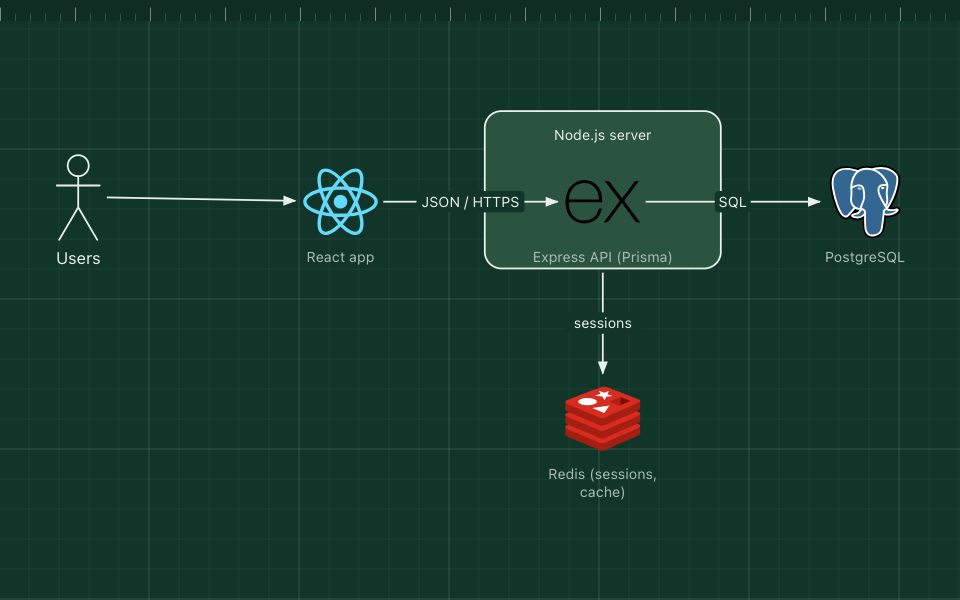
- Highly relational data with many joins and strict integrity: PERN fits better.
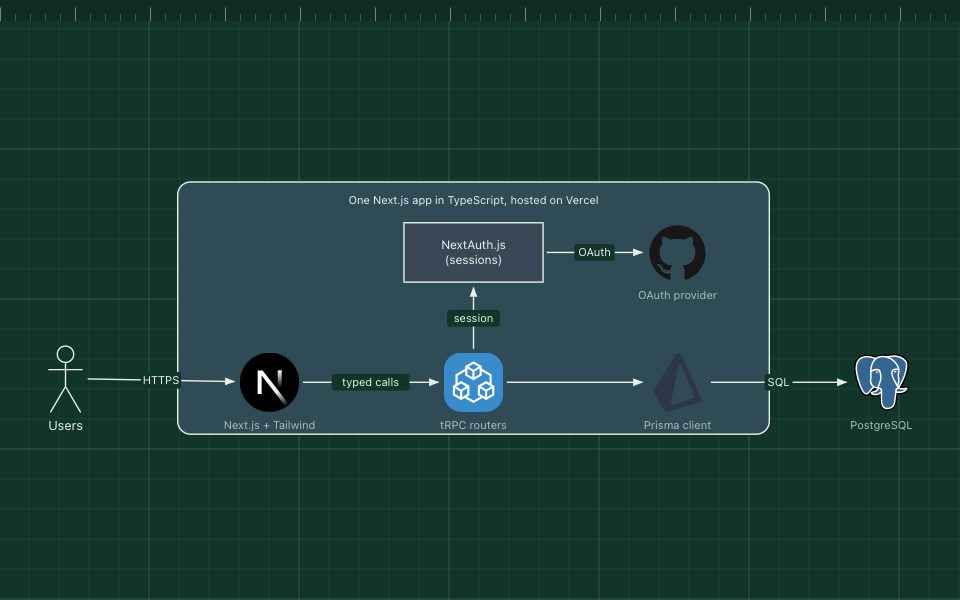
- Pages that must rank in search on first load: plain React renders on the client, so add server rendering (for example Next.js).
- CPU-heavy work on the server, which blocks Node.js's event loop.
Edit this diagram
Click Open the diagram in the editor to get your own copy, saved in your browser. Rename the boxes to match your system, swap any technology for the one you use from the icon palette, then export a PNG, SVG or PDF, or share a link. No sign-up.