T3 stack architecture
Full-stack TypeScript in one Next.js app, typed from the database to the UI.
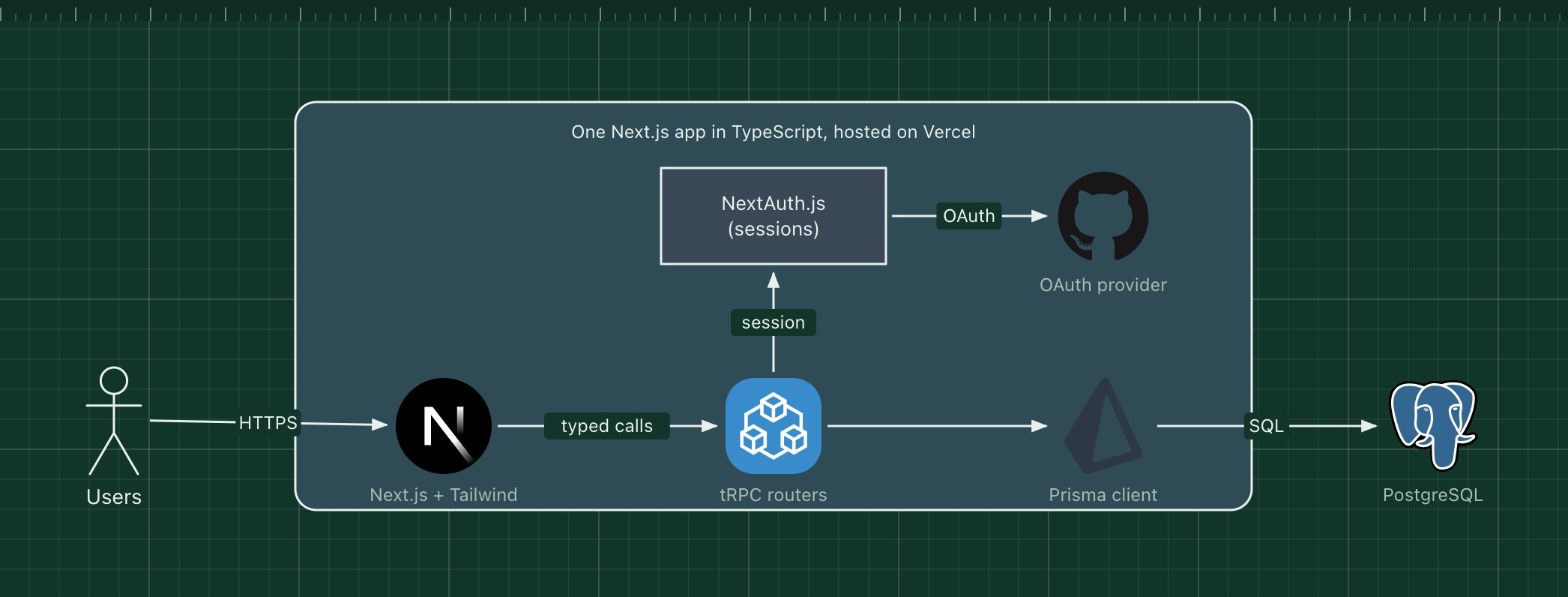
The T3 stack, scaffolded with create-t3-app, is a set of TypeScript tools that fit together in one Next.js application: Next.js for pages and server code, tRPC for an API without a schema file, Prisma for the database, Tailwind CSS for styling and NextAuth.js (now Auth.js) for sign-in. Each piece is optional, but together they give end-to-end type safety.
The key idea is that the front end calls server functions through tRPC, and TypeScript infers their input and output types from the server code. Rename a field in the Prisma schema and the compiler points to every page that breaks.
What the stack is made of
- Next.js
- React pages with server rendering, plus the server runtime for the API.
- tRPC
- Type-safe procedures called from React like functions, over HTTP.
- Prisma
- Schema, migrations and a generated, typed client for PostgreSQL or MySQL.
- NextAuth.js
- Sign-in with OAuth providers or email, with sessions stored through Prisma.
- Tailwind CSS
- Utility classes for styling, compiled to a small CSS file.
- Vercel
- The usual host, though any Node.js host works.
How a request flows through it
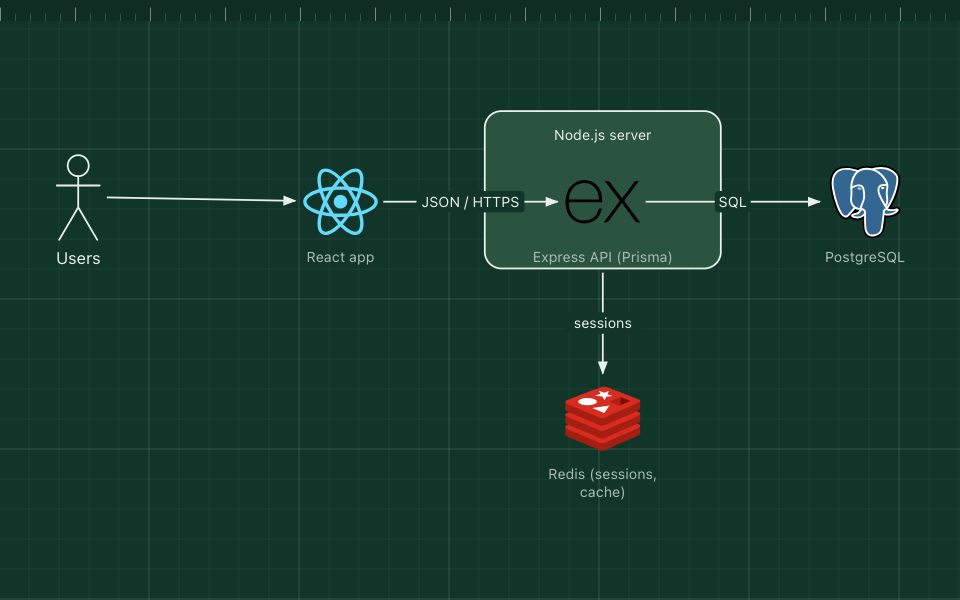
- A page renders on the server with Next.js, styled with Tailwind.
- In the browser, a component calls api.post.create.useMutation() through tRPC.
- The tRPC procedure checks the NextAuth.js session and validates the input with Zod.
- It writes through the Prisma client to PostgreSQL and returns a typed result.
When to use it, and when not to
Good fit
- A small team building a full-stack TypeScript product quickly.
- One web front end owned by the same team as the API.
- You value compile-time safety across the stack.
Think twice
- Public APIs or other clients (mobile, partners): tRPC is for TypeScript clients you control; use REST or GraphQL.
- Back ends in other languages.
- Large organisations where the front end and back end are separate teams and releases.
Edit this diagram
Click Open the diagram in the editor to get your own copy, saved in your browser. Rename the boxes to match your system, swap any technology for the one you use from the icon palette, then export a PNG, SVG or PDF, or share a link. No sign-up.