Pipe-and-filter architecture
Independent processing steps connected by pipes, each doing one transformation.
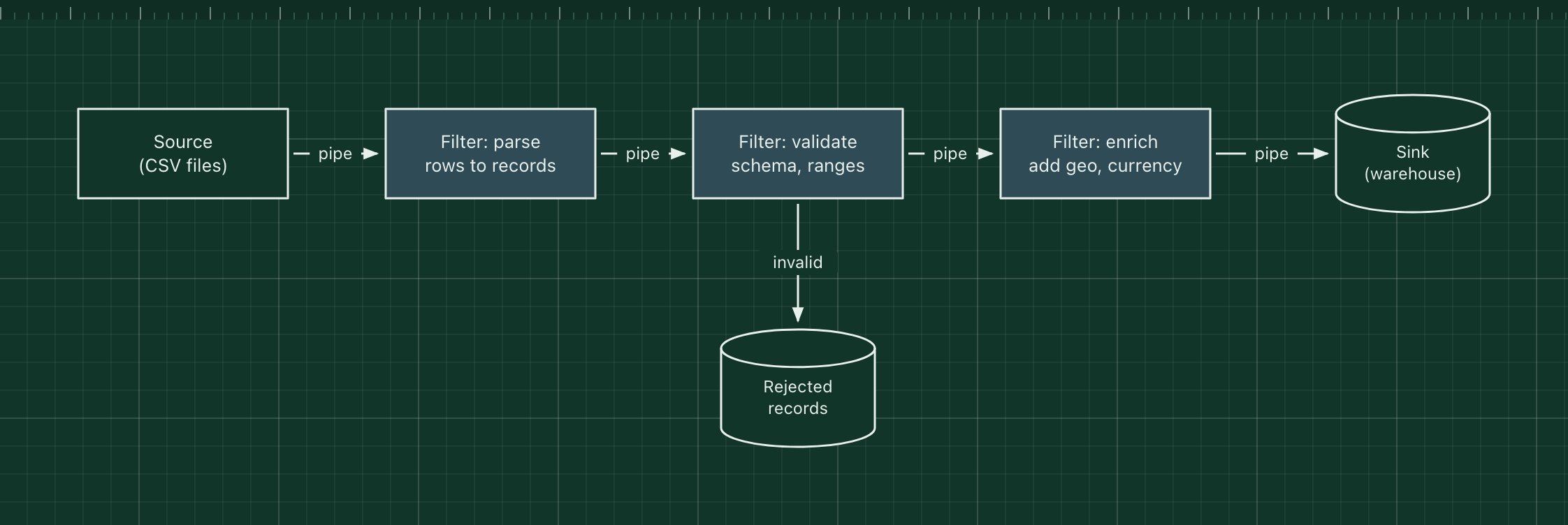
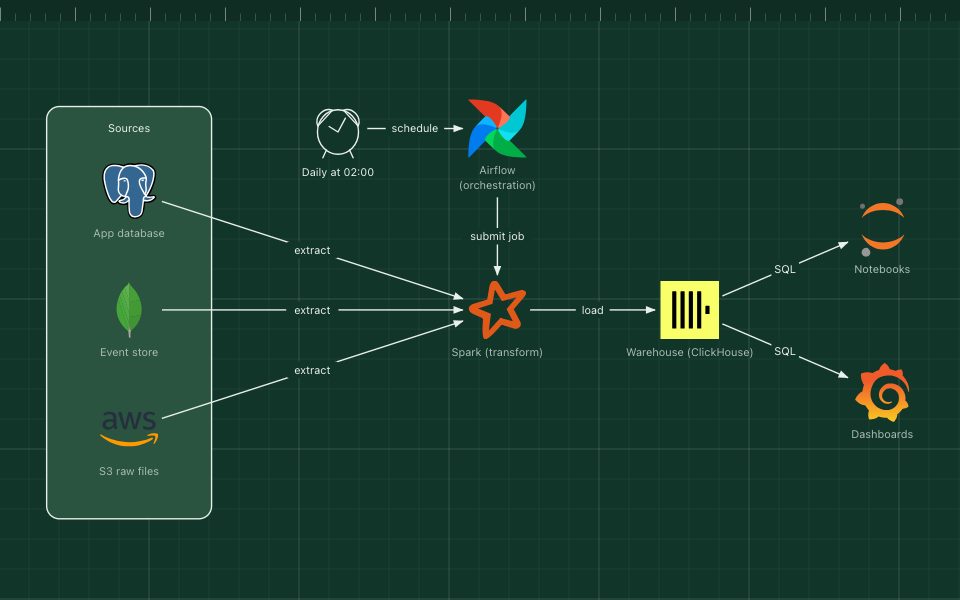
Pipe-and-filter breaks processing into a chain of independent filters connected by pipes. Each filter reads input, does one transformation and writes output; it knows nothing about the filters before or after it. The pipes carry data between them, as streams, queues or files.
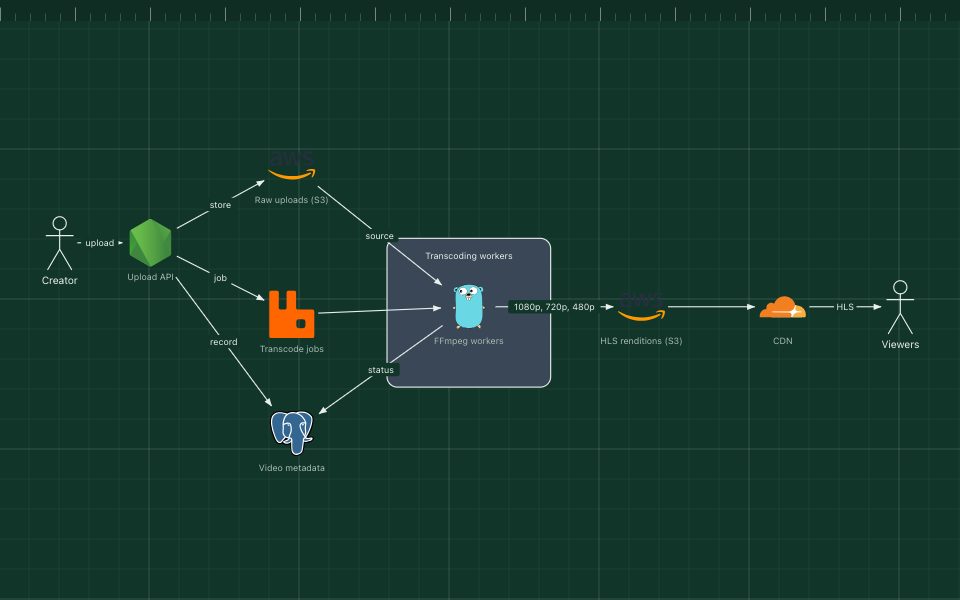
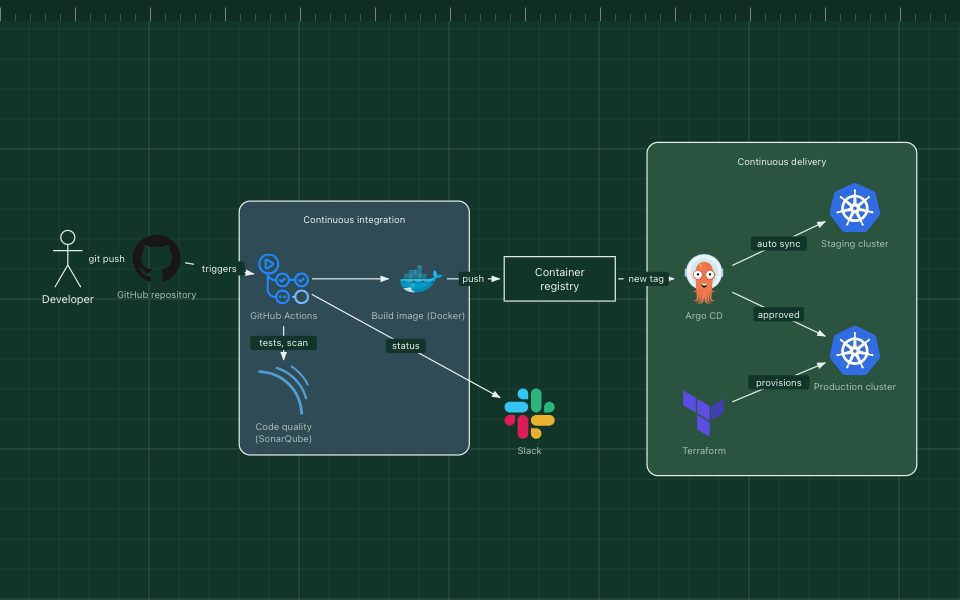
Unix shell pipelines are the classic example (cat | grep | sort). The same idea runs ETL jobs, compilers, media encoders, CI pipelines and stream processors.
The parts of the pattern
- Source
- Where data enters: files, a queue, an API or a database change stream.
- Filters
- Self-contained steps such as parse, validate and enrich. Each can be tested and reused alone.
- Pipes
- The connections between filters: in-memory streams, message queues or intermediate files.
- Sink
- Where the finished data ends up, such as a warehouse table.
- Error output
- Records a filter cannot handle go to a separate output instead of stopping the pipeline.
How it works
- The source emits raw CSV rows into the first pipe.
- The parse filter turns rows into typed records.
- The validate filter passes good records on and sends bad ones to the rejected store.
- The enrich filter adds derived fields, and the sink writes the result.
When to use it, and when not to
Good fit
- Data processing that is naturally a sequence of steps: ETL, media, document conversion, build pipelines.
- Steps that should be reordered, reused or scaled separately.
- Batch or streaming workloads where throughput matters more than interactivity.
Think twice
- Interactive request and response flows that need shared state between steps.
- Steps that must all succeed or fail together in one transaction.
- Very fine-grained filters where the cost of moving data between them dominates.
Edit this diagram
Click Open the diagram in the editor to get your own copy, saved in your browser. Rename the boxes to match your system, swap the generic boxes for technology icons from the palette, then export a PNG, SVG or PDF, or share a link. No sign-up.